
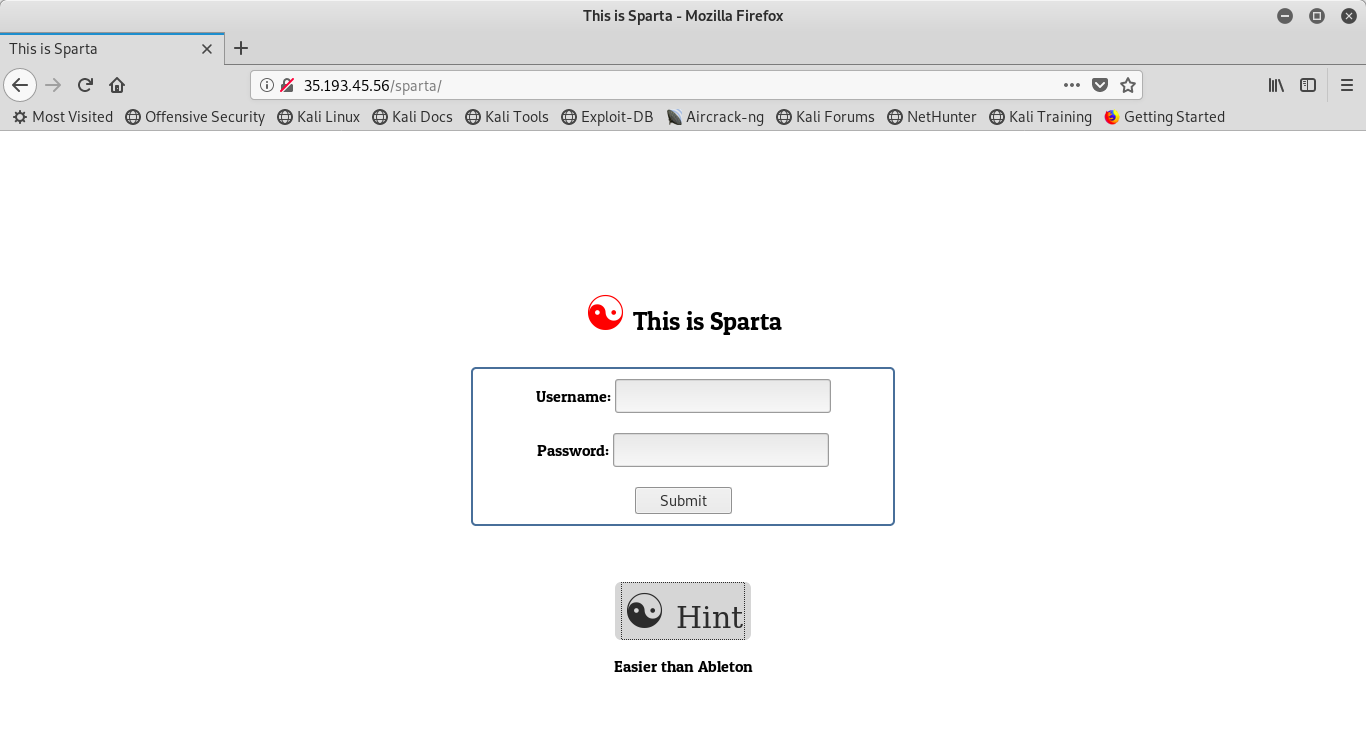
Similarly to my first post, I was presented with a login screen and a ‘hint’ button that did seemingly nothing. This is the page after hitting the ‘hint’ button:
As usual, my first inclination is to view the source code to find anything interesting. I find that there is a POST request being made in the submission field (no surprise there), but then there is a block of obfuscated JavaScript that, simply by being obfuscated, looks suspicious. This is the code:
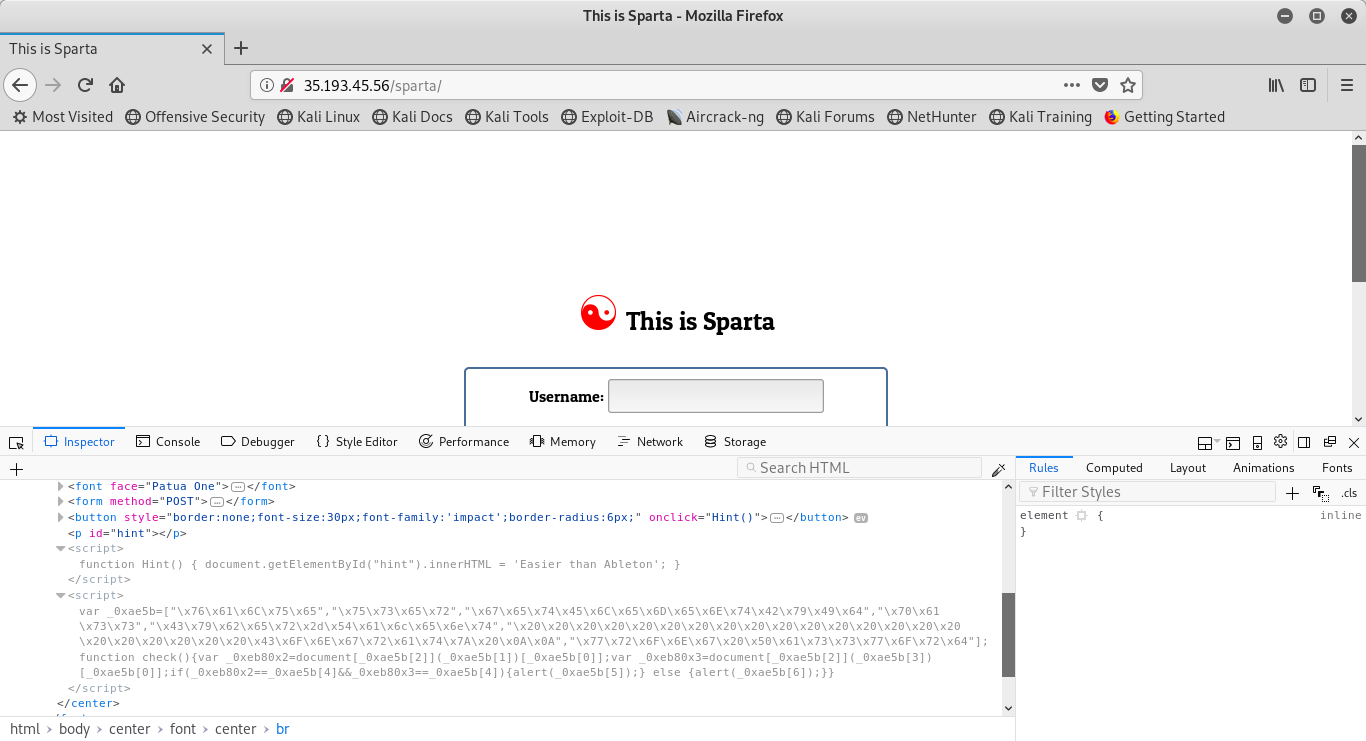
The following is the block of JavaScript from the image above:
var _0xae5b=[“\x76\x61\x6C\x75\x65″,”\x75\x73\x65\x72″,”\x67\x65\x74\x45\x6C\x65\x6D\x65\x6E\x74\x42\x79\x49\x64″,”\x70\x61\x73\x73″,”\x43\x79\x62\x65\x72\x2d\x54\x61\x6c\x65\x6e\x74″,”\x20\x20\x20\x20\x20\x20\x20\x20\x20\x20\x20\x20\x20\x20\x20\x20\x20\x20\x20\x20\x20\x20\x43\x6F\x6E\x67\x72\x61\x74\x7A\x20\x0A\x0A”,”\x77\x72\x6F\x6E\x67\x20\x50\x61\x73\x73\x77\x6F\x72\x64″];function check(){var _0xeb80x2=document[_0xae5b][2]][_0xae5b[0]];var _0xeb80x3=document[_0xae5b[2]][_0xae5b[0]];if(_0xeb80x2==_0xae5b[4]&&_0xeb80x3==_0xae5b[4]){alert(_0xae5b[5]);} else {alert(_0xae5b[6]);}}
This obfuscation looks to be ASCII hex encoding, with the giveaway being the repeated \xs that, presumably, begin each character. It appears as though the first declared variable _0xae5b is an array of the encoded hex strings. So I hop over to DDecoder (I recognize that I could have done this in burp, but I didn’t have it running at the time). This was my output:
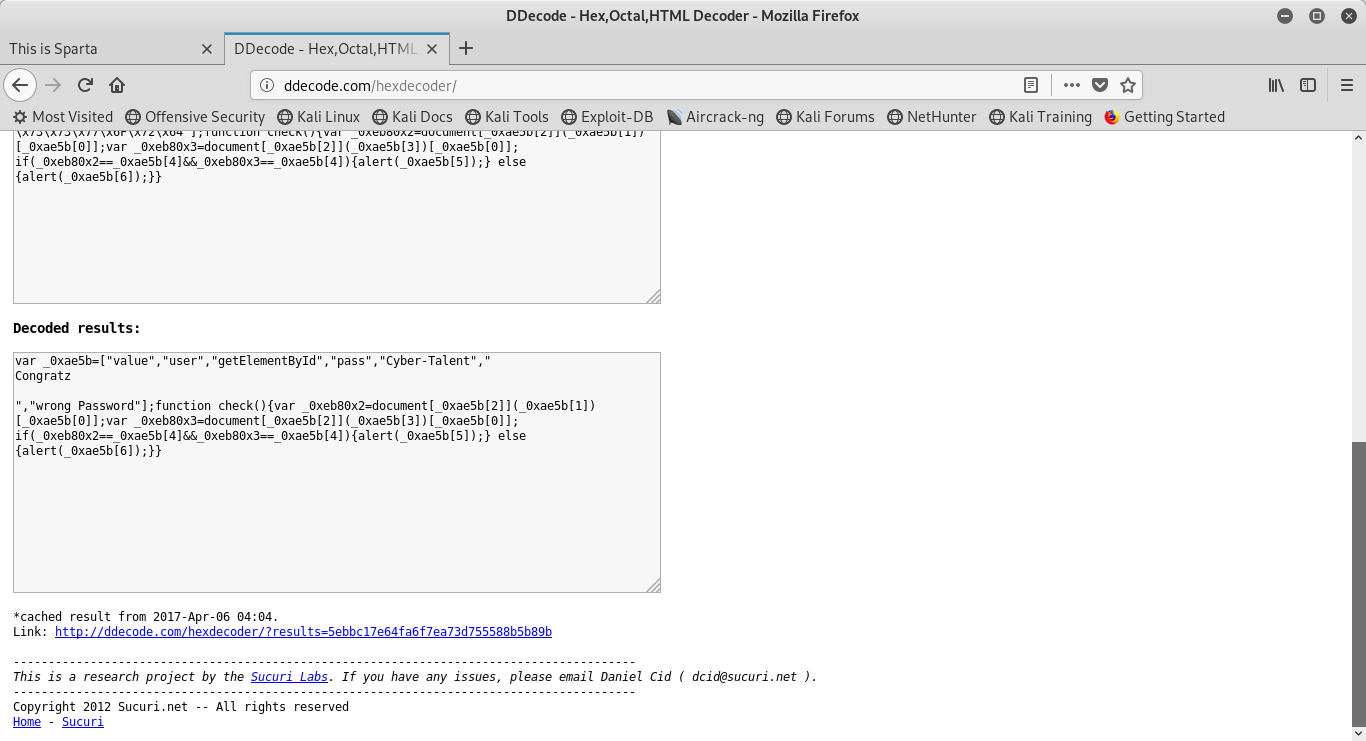
The output from DDecoder was the following:
var _0xae5b=[“value”,”user”,”getElementById”,”pass”,”Cyber-Talent”,” Congratz
“,”wrong Password”];function check(){var _0xeb80x2=document_0xae5b[2](_0xae5b[1])[_0xae5b[0]]; var _0xeb80x3=document_0xae5b[2](_0xae5b[3])[_0xae5b[0]]; if(_0xeb80x2==_0xae5b[4]&&_0xeb80x3==_0xae5b[4]){alert(_0xae5b[5]);} else {alert(_0xae5b[6]);}}
As it turns out, as long as we understand how to interpret the JavaScript, we’re in. Consider the following function check() assigns two variables .80×2 and .80×3. however, the assignment is happening based on array indexing of the previous array that was written in hex. Consider .5b[2] is getElementById, .5b[1] is ‘user’ and .5b[0] is ‘value’. Notice that .80×3 is nearly identical, however, the middle element has .5b[3] instead of .5b[1], because that value is ‘pass’ instead of ‘user’. What this is doing is assigning the variables to the values input into the username and password fields for later validation.
At this point, we’ve now reached the logic of our function. This is also the part that I stumbled upon because I jumped the gun and assumed that the username was going to be ‘user’ instead of paying my due diligence first. What this is saying is that if .80×2 (our user input field variable) equals .5b[4](‘Cyber-Talent’) and if .80×3(our password input field) quals .5b[4] (again, ‘Cyber-Talent’) then pop up an alert with the message .5b5 (‘Congratz’), else pop up a message with .5b[6] (‘wrong password’). From here, all we have left to do is to enter the username ‘Cyber-Talent’ and password ‘Cyber-Talent’ and submit. Then we are awarded with this message:
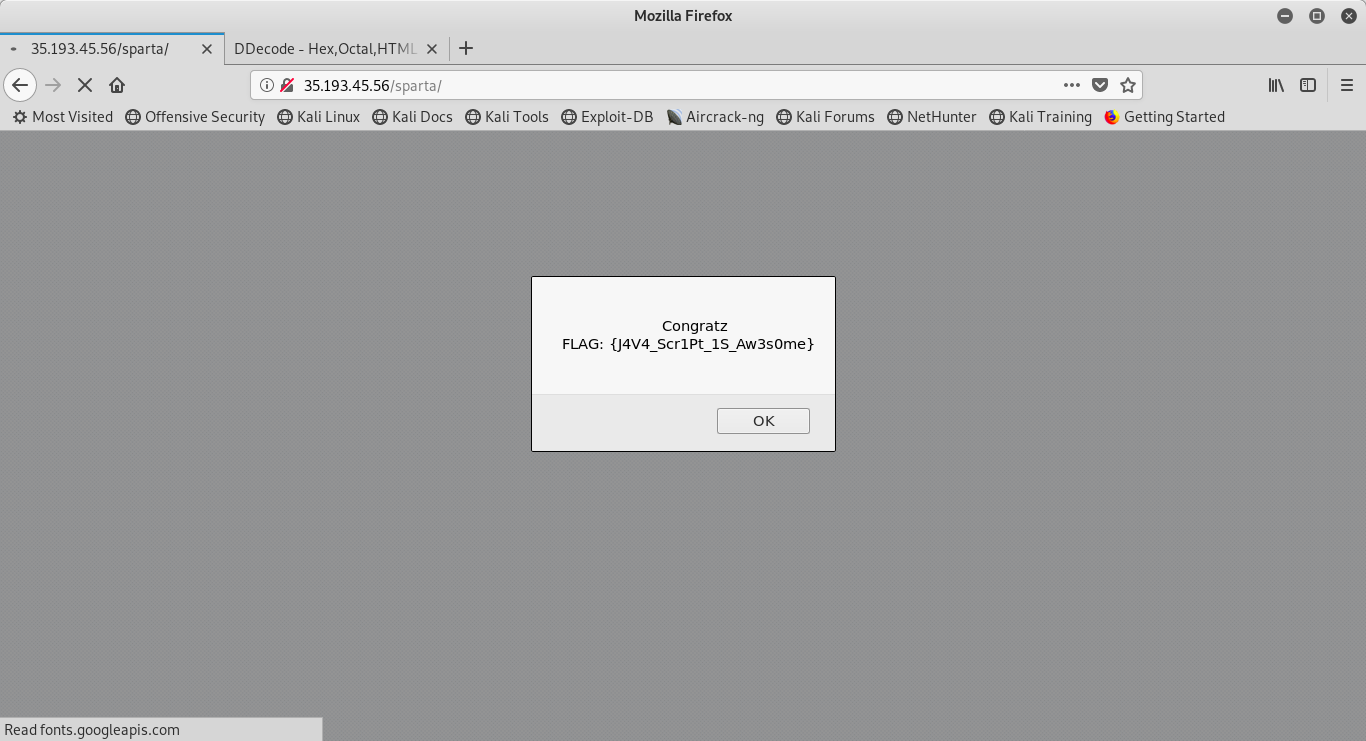
The message says,
Congratz
FLAG: {J4V4_Scr1Pt_1S_Aw3s0me}
 Cyber's Cybersecurity Portfolio